Aligning Z Axis Screws
Alright, you've aligned your Z axis Rails to the frame and to the rest of the machine.
Now, you can work on aligning your screws!
General alignment notes
- Your Z axis when properly aligned should deviate as little as possible when rotating. Some displacement (Whip) is normal and acceptable, but it shouldn't be excessive.
- Your can adjust the alignment of your screw in the following locations:
- Adjusting the entire lower motor plate
- Adjusting the positioning of the motor in the lower motor plate
- And finally, adjusting the lead screw nuts.
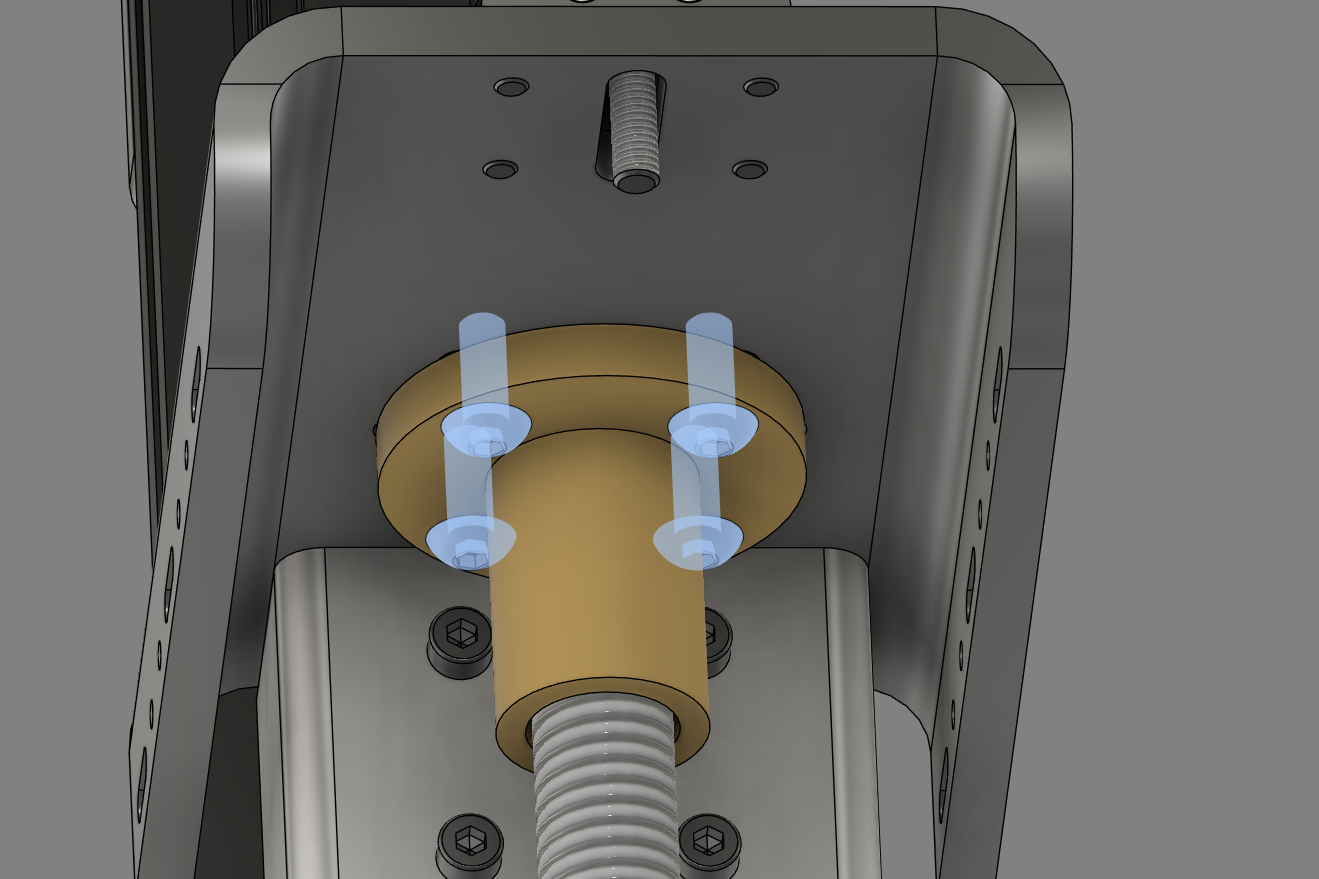
Use these 3 methods (preferably changing as little as possible) To ensure that the lead screw remains as straight as possible during the full travel of the Z rail.
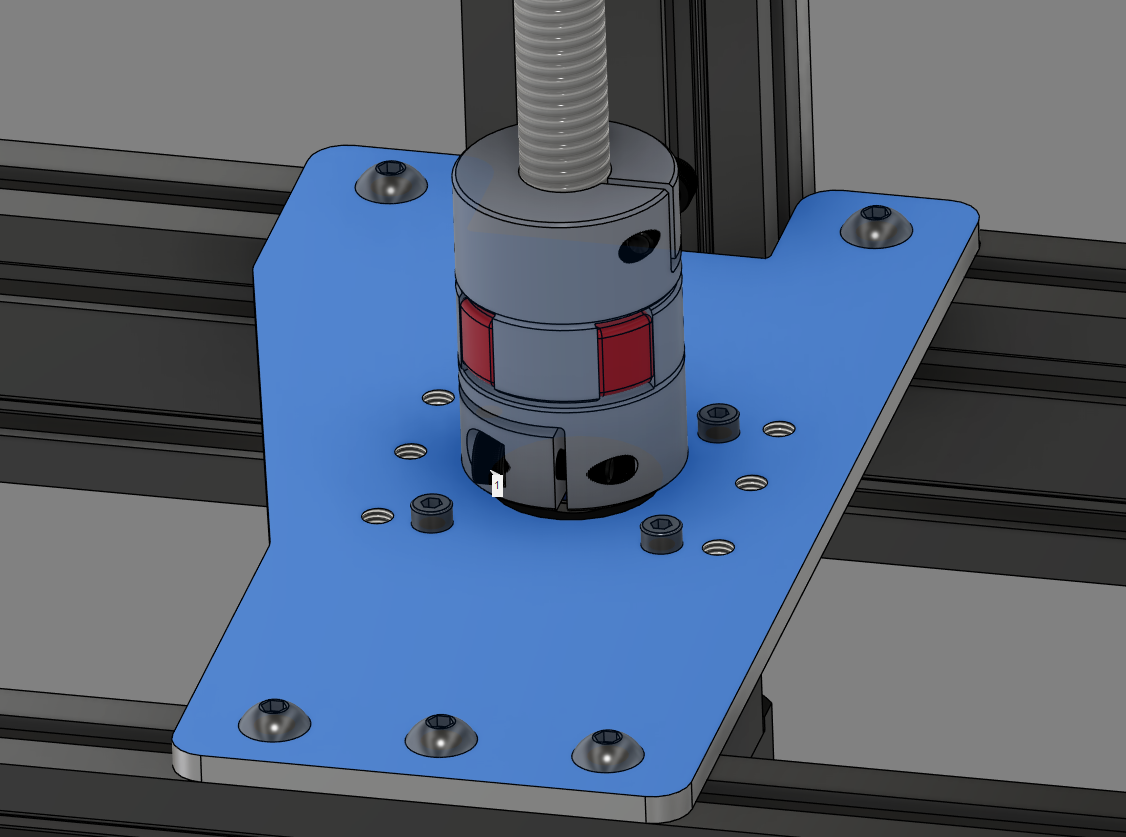
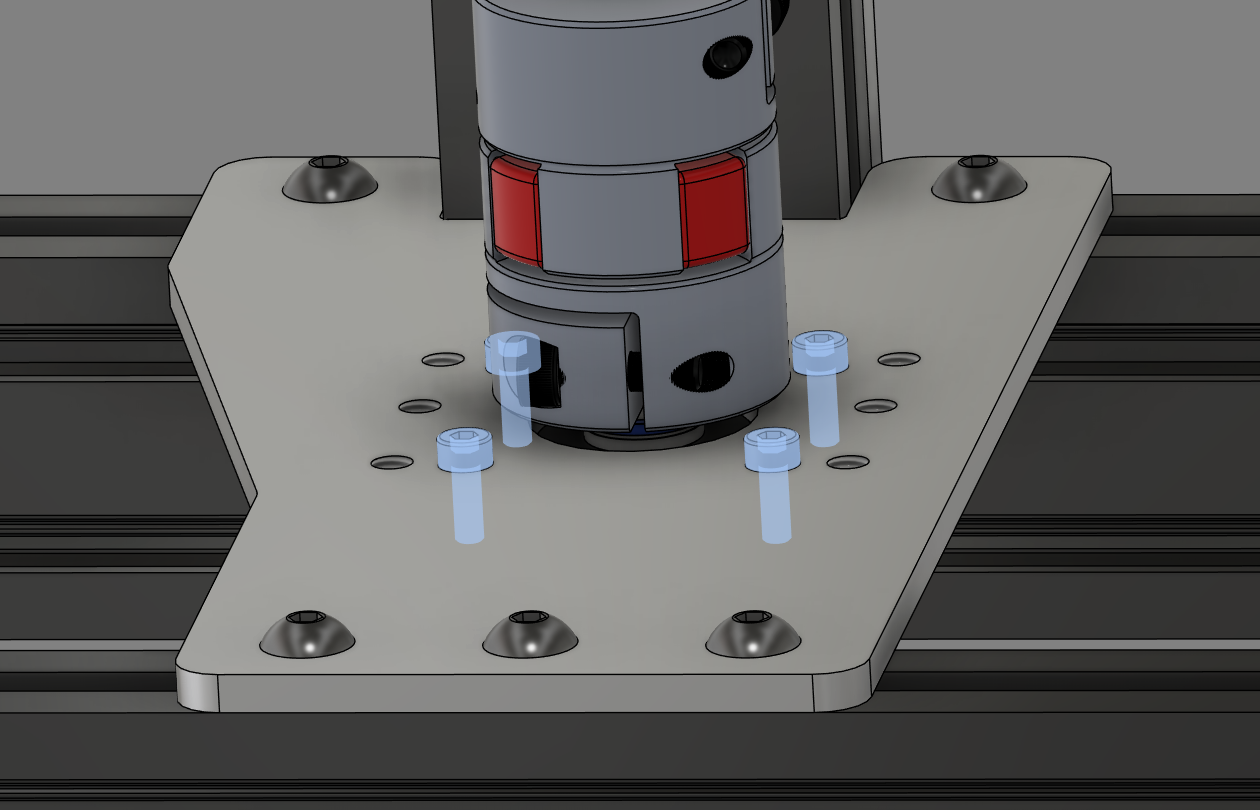
You can either move the z screw manually, or use commands in the printer.
Using the command SET_KINEMATIC_POSITION Z=0 makes the printer believe that its z axis is at the top, and correspondingly SET_KINEMATIC_POSITION Z={type in whatever your z max is} makes it believe its at the absolute minimum, and will allow you to move it with motor power.