How to Remove Heater and PT1000 from Chube Air
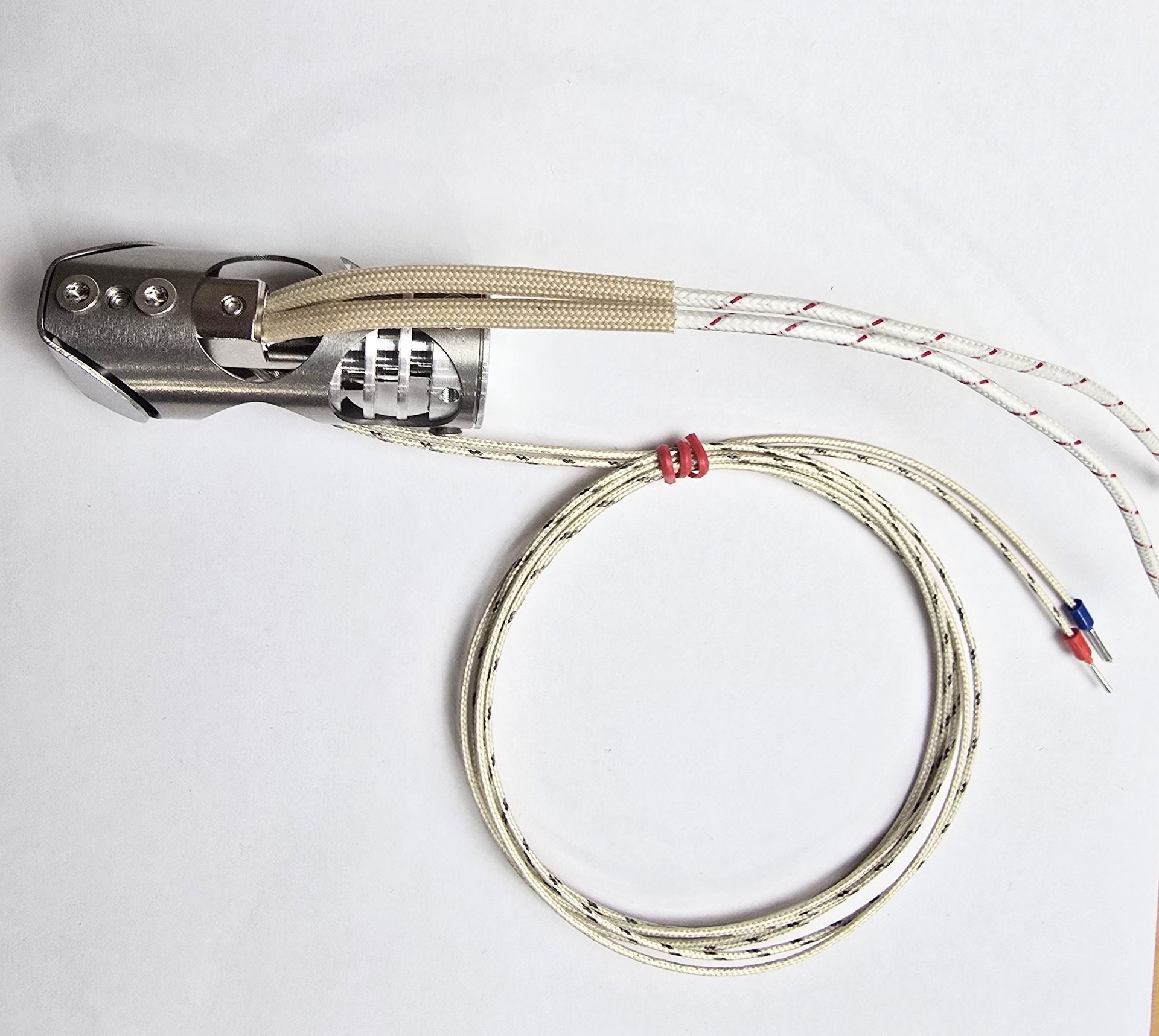
What you will need:
- Chube Air with old heater/Pt1000
- T10 Torx Driver
- 1.5mm hex driver
- Boron Nitride Paste and applicator
- New heater
- New PT1000
Step 1:
Loosen the grub screw that retains the PT1000 with your 1.5mm driver. You should be able to gently pull the PT1000 out, once it is loosened.
If not, you may need to slightly loosen the grub screws on that side of the hotend.
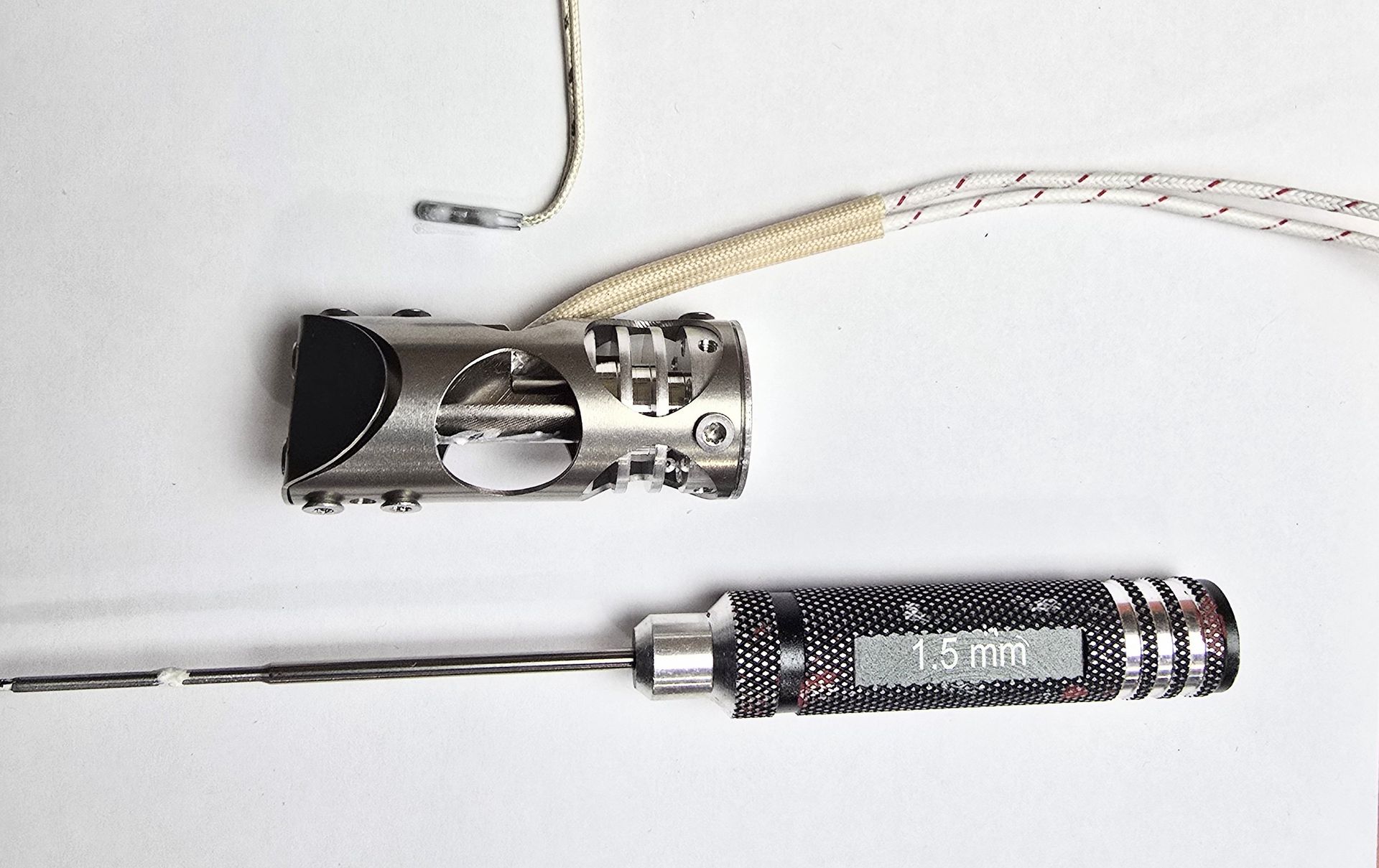
If you only need to swap your PT1000, and not the heater, you can apply BN paste to the new PT1000 and reinstall it now!
If not, continue below!
Step 2:
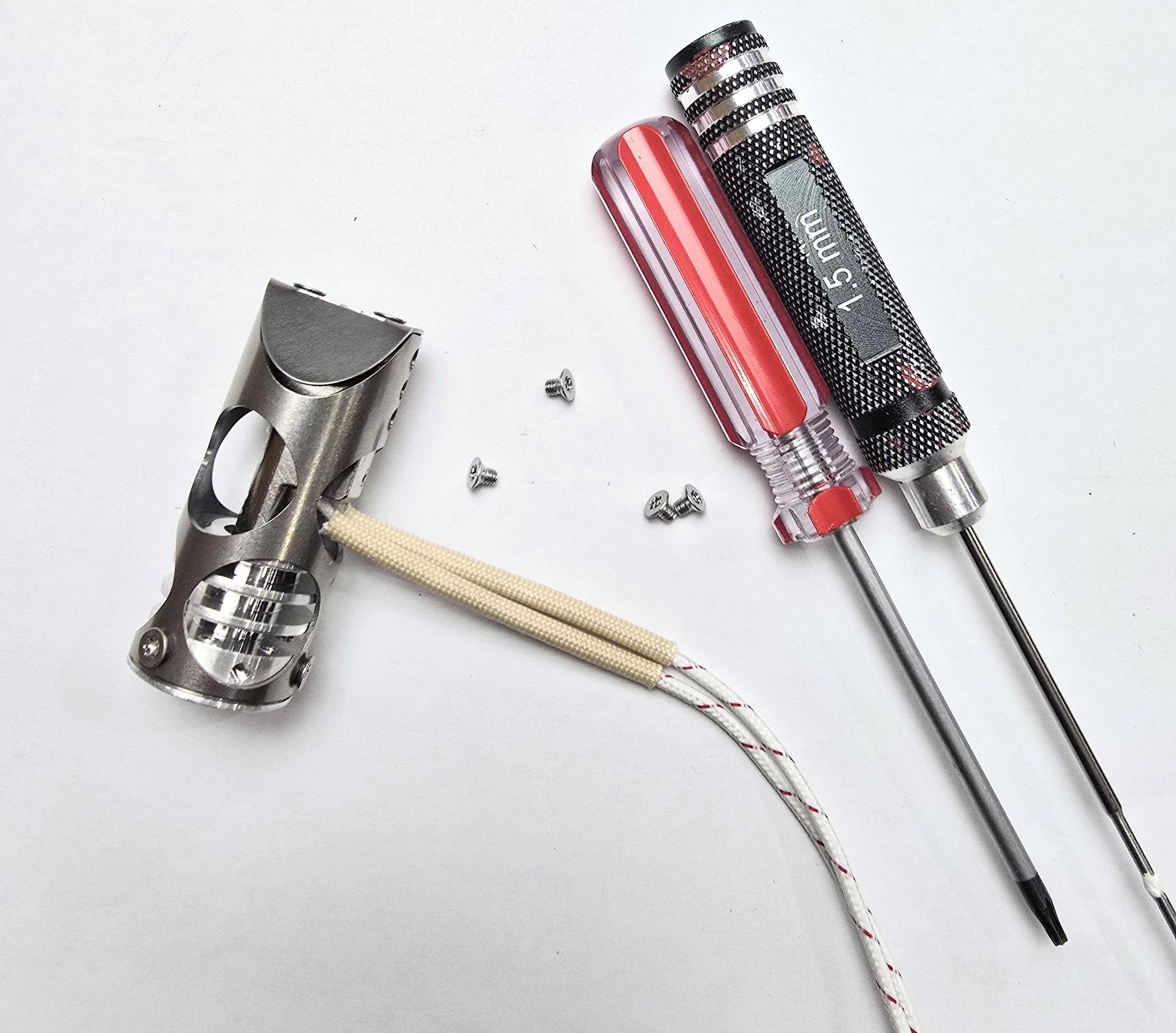
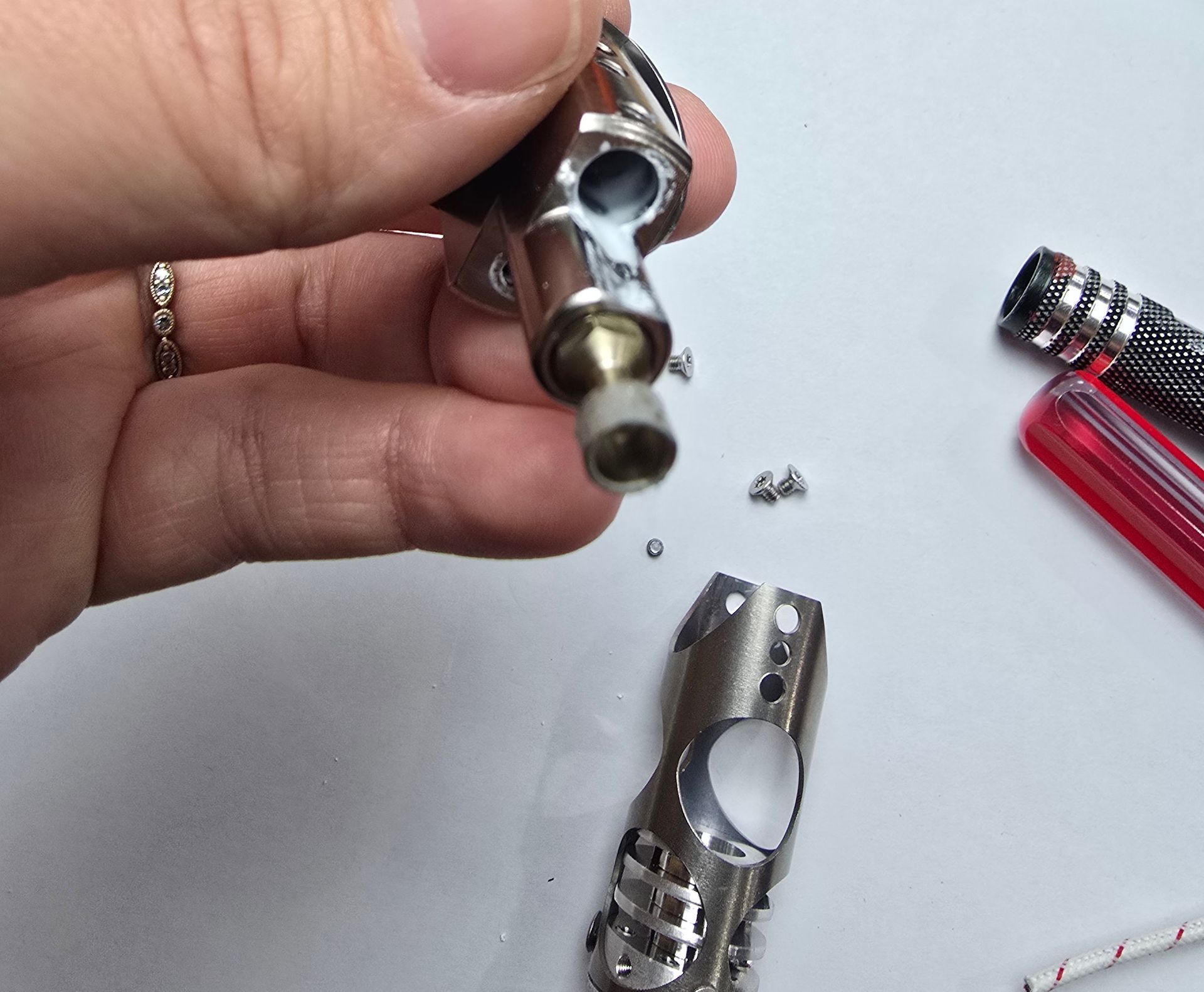
Remove the 4 torx screws that affix the heater block assembly to the shroud assembly using your T10 torx driver
Step 3:
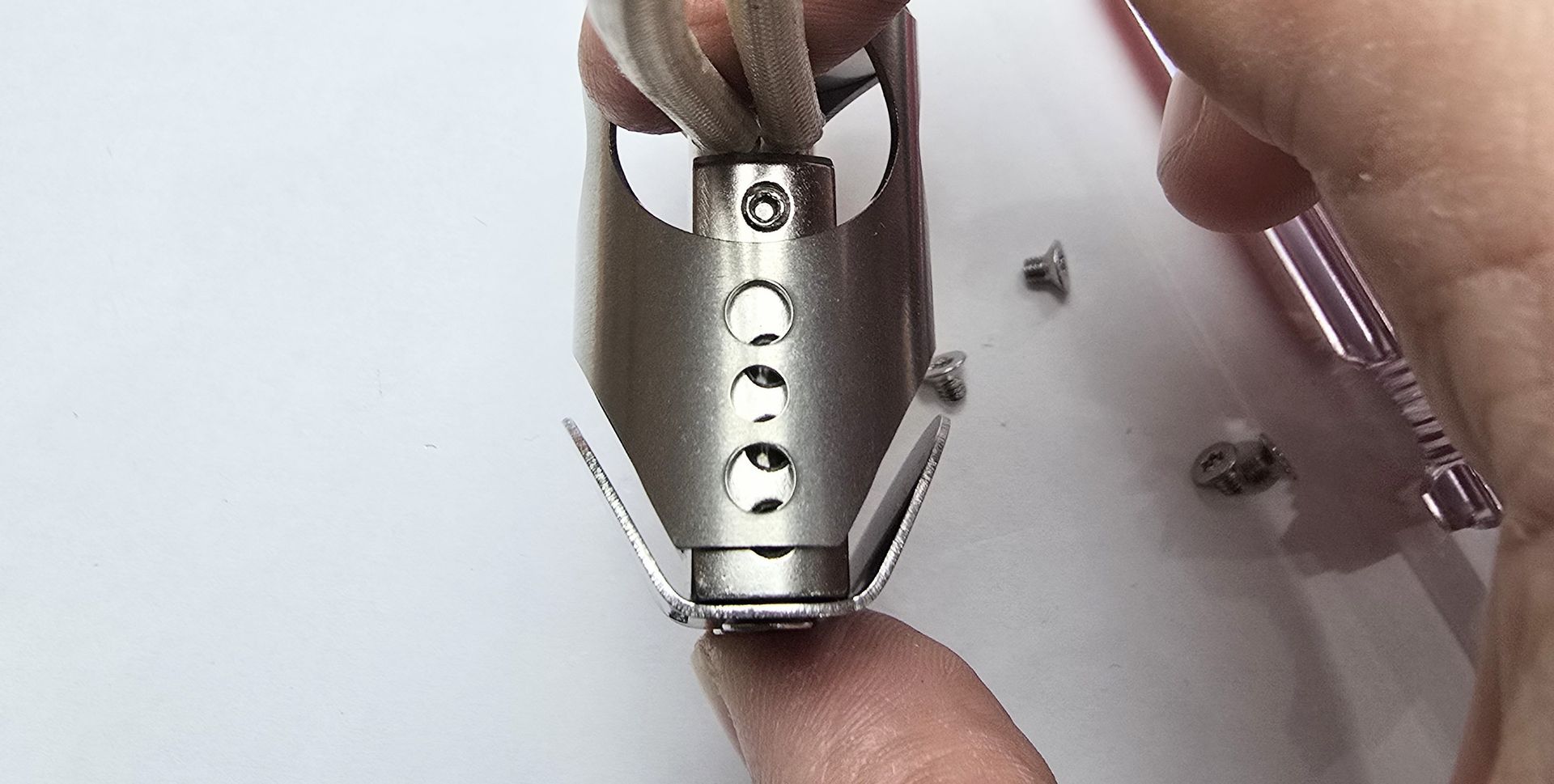
Press on the portion of the heater block that is accessible through the shroud, and remove the block. If you can't remove the assembly, you may need to remove the grub screws retaining the heater cartridge.
Step 4:
Once you have removed the heaterblock assembly, you can loosen your grub screws and remove the old heater.
If you are unsure how to proceed with installing the new heater, check out "Chube Air Heater and PT1000 Installation."